> For the complete documentation index, see [llms.txt](https://docs.cedana.ai/llms.txt). Markdown versions of documentation pages are available by appending `.md` to page URLs; this page is available as [Markdown](https://docs.cedana.ai/cedana-slurm/cr.md).
# Manual Checkpoint/Restore
Begin checkpoint/migrate/restoring stateful workloads in SLURM in under 5 minutes!
## Deploy
For both CPU and GPU workloads, no additional configuration is required. Below is an example of a simple CPU workload that counts from 0 to 600, sleeping for 1 second between each count. By default, Cedana must be enabled to checkpoint SLURM jobs by adding the `CEDANA_ENABLE=1` environment variable.
{% code title="counting.sbatch" lineNumbers="true" %}
```bash
#!/bin/bash
#SBATCH --job-name=hello_world # Job name
#SBATCH --output=hello_world.out # Standard output log
#SBATCH --error=hello_world.err # Standard error log
#SBATCH --time=00:10:00 # Time limit (hh:mm:ss)
#SBATCH --nodes=1 # Run on 1 node
#SBATCH --ntasks=1 # Run 1 task
#SBATCH --export=CEDANA_ENABLE=1 # Enable Cedana
echo "Starting counter job on $(hostname)..."
# Loop from 0 to 600
for i in {0..600}
do
echo "Counter: $i"
sleep 1
done
echo "Job finished successfully."
```
{% endcode %}
Submit the job using `sbatch` .
```shellscript
sbatch counting.sbatch
```
## Checkpoint
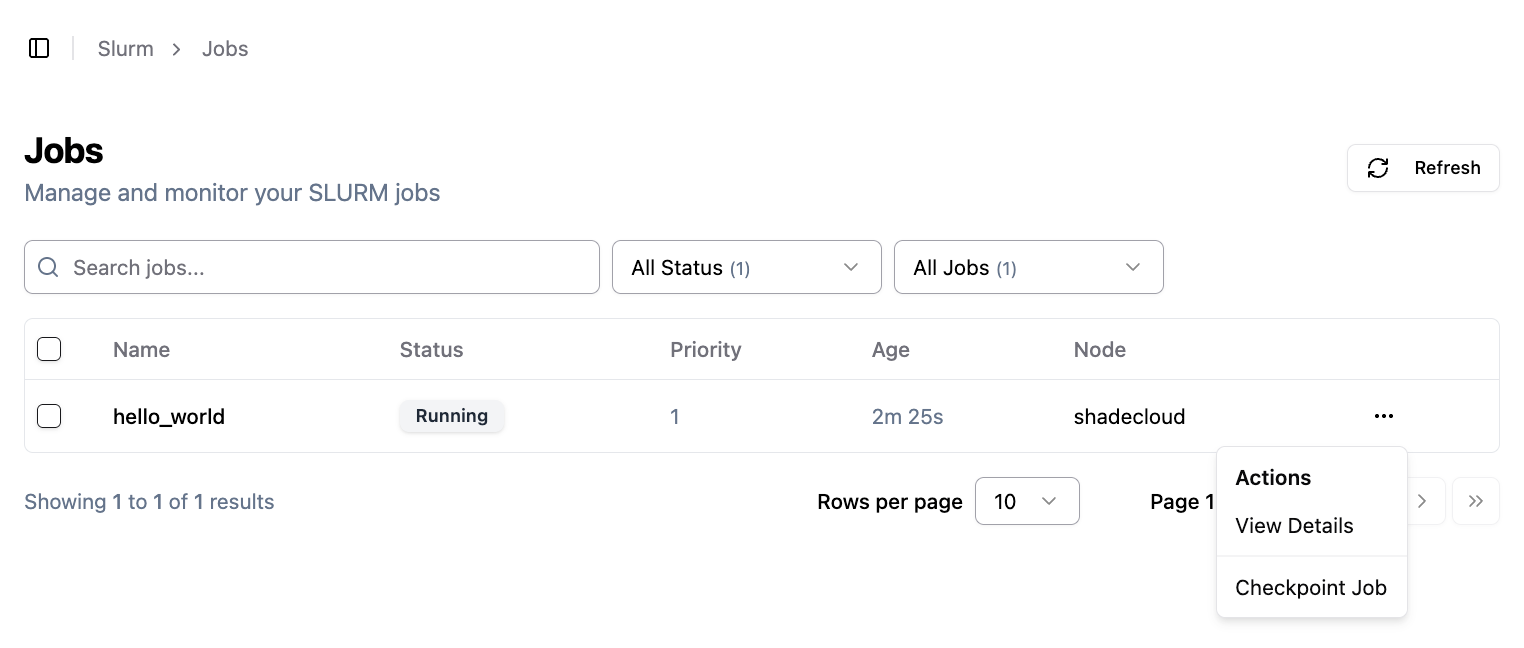
To checkpoint a job in SLURM, navigate to the [SLURM Jobs Page](https://ui.cedana.com/slurm/jobs), select the job, and checkpoint it.
Feel free to kill the job now by using `scancel`.
```shellscript
scancel
```
## Restore
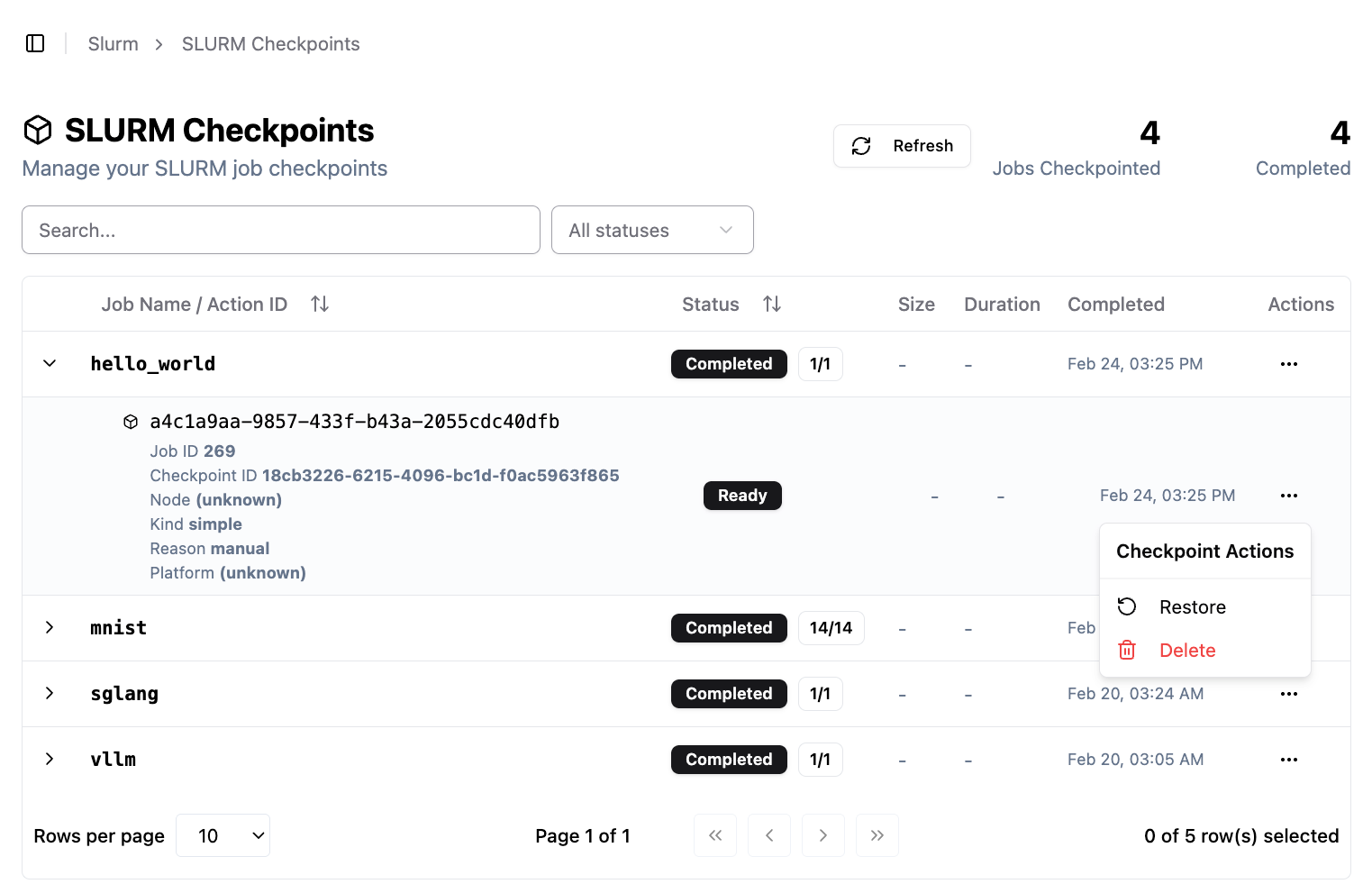
To restore a job in SLURM, navigate to the [SLURM Checkpoints Page](https://ui.cedana.com/slurm/checkpoints), select a checkpoint, and restore it.
Check `squeue` to confirm the job is running again, and verify that it was resumed from where it was checkpointed by checking the output file `hello_world.out`.
```shellscript
squeue
```